Aerospace & defence manufacturing software
Cost every aerospace part and tooling job, then trace who made it and when.

Aerospace and defence manufacturing software for precision engineers, fabricators and toolmakers: MRP for quoting, machine scheduling and traceability, from the customer's drawing to the CofC and the invoice.

For aerospace and defence manufacturers and engineering firms making parts, jigs and fixtures to drawing, as one-offs, batches and repeat call-offs.
Free 3-minute demo video · No card required ·  Privacy policy
Thank you! Your submission has been received!
Oops! Something went wrong while submitting the form.
aerospace & defence manufacturers using Statii

Run the aerospace and defence work your shop takes on.

From a one-off assembly fixture to a repeat batch of machined brackets, each job carries its own routing, costs and drawing. The routings below are typical; yours are set up the way your shop runs.

Aerospace components

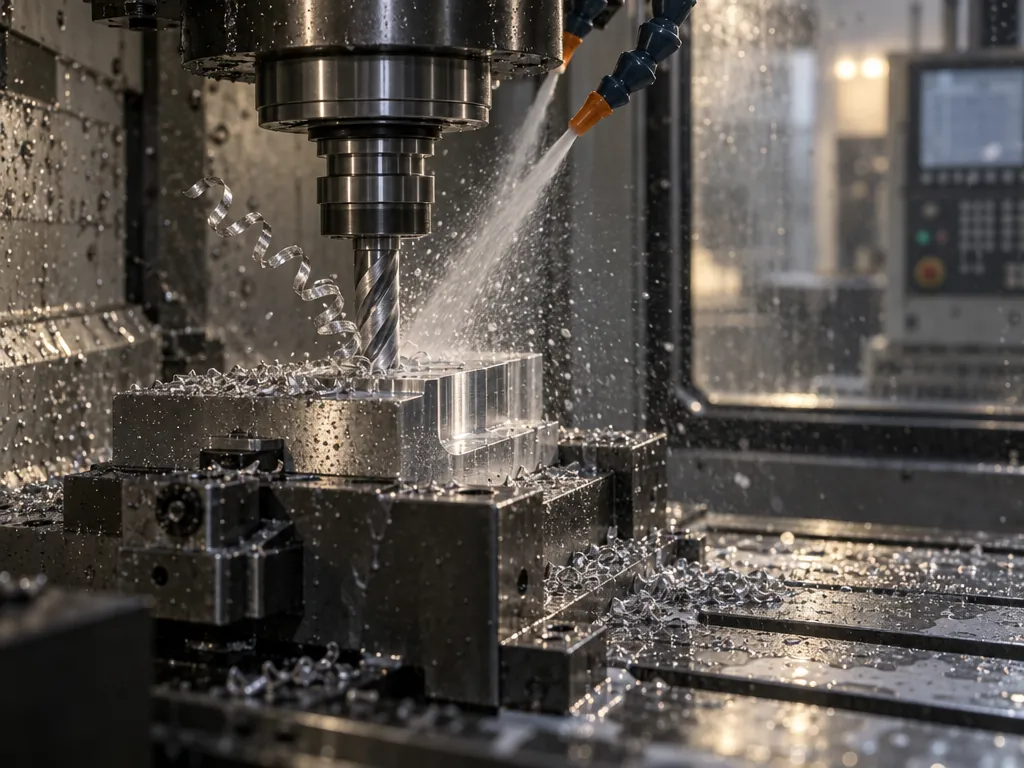
Airframe and engine parts machined to drawing, with anodising sent out on a purchase order linked to the works order it's for.

Turn
→
Mill
→
Anodise
→
Inspect

Aerospace tooling and fabrication

Jigs, fixtures and assembly tooling quoted as a project on a budget figure, then delivered and invoiced in stages. Fitting on site is costed as an operation.

Machine
→
Fabricate
→
Assemble
→
Inspect
→
Install

Defence systems and equipment

Hardened parts with the material certificate on the batch the bar came in, and any batch traced to the job and customer it went to.

Saw
→
Mill
→
Heat treat
→
Grind
→
Inspect

Spacecraft components

One-off and prototype parts with the customer's drawing attached. It travels with the job and opens on the shop floor tablet at the machine.

5-axis mill
→
Inspect

Avionics enclosures and racks

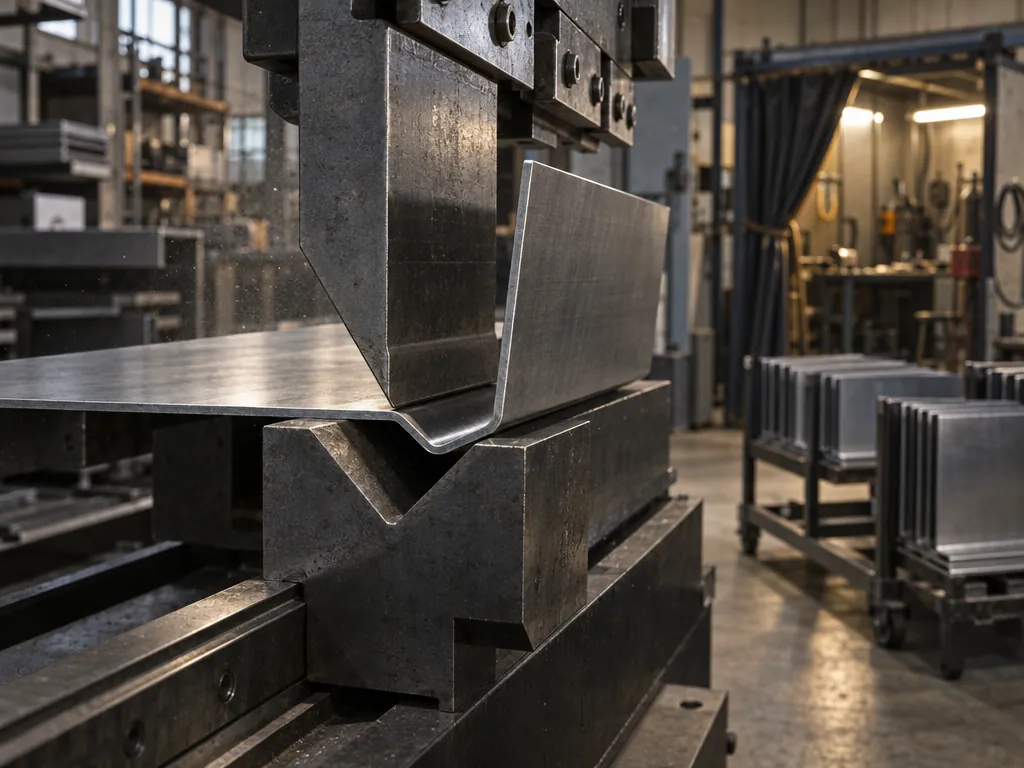
Sheet metal trays, racks and enclosures. Each operation is costed once for its setup, then per part at the hourly rate of the machine doing it.

Laser cut
→
Fold
→
Weld
→
Paint

Ground support and handling equipment

Stands, frames and transport fixtures built from parts you make. A Make line raises its own sub-works order for each, numbered under the parent job.

Cut
→
Fabricate
→
Paint
→
Inspect

Repair and recertification

Tooling sent back for repair. Operations are added to the works order and put in order as the scope becomes clear, without changing the quoted costs.

Strip & inspect
→
Repair
→
Reassemble
→
Inspect
Mill
an operation in your shop
Anodise
often sent out — a bought-in cost on the job

Where aerospace and defence jobs slip, and what Statii does about it.

Five places a tooling job or a batch of parts usually goes wrong, each answered by the part of Statii that handles it. Shown with aerospace data.

Quote tooling and parts from the drawing, operation by operation.

Each operation goes on the costing against the machine or bench that does it, with a setup time and a time per part at its hourly rate. Bought-in bushes and clamps, and treatments sent out, go on as external costs from the supplier. Attach the customer's drawing; it stays with the job.

  • Quote large tooling as a project: a budget figure first, detail added as the design firms up
  • Cost fitting on the customer's site as an operation, like any other
  • Repeat parts: find the last job by its UPR and update the prices

See what each job made before the next batch is quoted.

Time booked against each operation posts back to the job as it's worked. On the works order, actual time and cost turn red once they pass the plan; on the sales order, Estimated, Planned and Actual margin sit side by side, so a price that was too low shows before the repeat order comes in.

  • Rework raised on an NCR adds its cost to the order
  • Profit, margin and profit per hour on every row
Ready to see a live demo?
Bring a fixture drawing or a part. We'll cost it with you on the call.
Book live demo

Send each treatment out on a purchase order linked to the job.

A treatment sent out is a bought-in cost on the quote. When the customer's order is acknowledged, it becomes a purchase order, prefilled and linked to the works order and sales order, ready to check and send.

  • Send parts straight to the anodiser or heat treater, or on to the next supplier in line
  • The supplier's latest delivery promise sits beside the date you need the parts back
  • Attach the treatment certificate to the order when the parts return

Plan every machine to the customer's delivery date.

Each machine, bench and inspection station is a resource with its own working hours, and holidays can be blocked off. Autoplan works back from the date the customer needs the job and fits each operation round what's already booked. An operation expected after the required date shows red.

  • Drag an operation earlier or later on the same resource; the expected date updates as you move it
  • Compact Left pulls a resource's work into earlier free time
  • A resource can be a machine, a bench or a named person

See who did each operation, when, and for how long.

Operators open the works order on the shop floor tablet, clock on to the operation they're doing and open the drawing from View Attachments. Each booking lands on the works order with the operator's name, the date and time, and the time booked against the job.

  • Record the parts rejected at an operation
  • Take stock against the job, planned or unplanned
  • Route an operation to a qualified person (Statii doesn't check qualifications itself)

SRL Countertech quotes its counters and kiosks in Statii, and sees the labour on every job.

Mixed Material Manufacturing

SRL Countertech

Grew from 1 to 5 machines with 10 staff
“Costings are a major issue, and this is really why we've moved to Statii, to try and help with this.”
John Clarke
Managing Director, SRL Countertech
Watch John's story · 4 min
"A comprehensive MRP system that enabled us to move away from relying on multiple Excel spreadsheet."
"Value for money is superb, sees the job all they way through from quoting to invoicing all linked together."
"Implementing Statii in our business has been very straight forward & the support from the Statii team has been great every step of the journey"

Keep the certs, reports and revisions with every job.

Aerospace and defence parts often ship with a material cert, an inspection report and a CofC. Statii keeps each one attached to the record it belongs to, and every change to the job as a revision.

batch

Material certs on the batch

Attach the material certificate to the batch it came in. A works order can't go ahead until its batch is allocated, and any batch traces to the job and customer it went to.

works order

Inspection reports on the job

Attach CMM reports, inspection sheets and the customer's drawing to the works order. Any document type, opened from the shop floor tablet.

Revisions

Every change kept as a revision

Change a quote, sales order or works order — a new drawing, a new configuration — and it's saved as a new revision. Earlier revisions open from the record and download as a PDF.

quality

Quarantine suspect stock

Raise an NCR and quarantine the stock it affects. Rejected parts are recorded at the operation, and the rework's cost goes to the original sales order.

Audited with Statii in use

Customers are audited for ISO 9001 with Statii running. Statii keeps the records; your quality system does the certifying.

Manufacture more than aerospace jobs?

If your shop also machines, fabricates or moulds for other sectors, see how Statii handles that work.

Three reasons metal fabricators choose Statii

Created by manufacturers

Not by people who worked with manufacturers — by two who ran an engineering firm and needed this to exist.

Ring us and a person answers

No ticket queue, no per-call charge, no offshore script. The people who answer know the product because they built it.

Easy to start and use

MRP needs to be simple enough everyone adopts it. Statii is so easy, that the office and the floor are both using it in the first week.

Listen to how metal fabricators use Statii

What aerospace and defence manufacturers ask us.

Anything else, ask the team who built it: 0115 647 2002

Is Statii an MRP system for aerospace and defence manufacturers?

Yes, for make-to-order engineering work: parts, jigs, fixtures and tooling made to the customer's drawing. One system takes the job from quote to sales order, works order, purchase orders for bought-in parts and treatments, the schedule for each machine, shop floor bookings, delivery and invoice. Invoices sync with Xero, Sage or QuickBooks.

Is Statii aerospace compliance software?

No. Statii records what an audit asks to see — certificates on the batch, inspection reports on the job, who did each operation and when, NCRs, and every revision of a quote, sales order or works order — and customers are audited for ISO 9001 with Statii in use. It doesn't certify parts or ensure compliance with any standard; your quality system does that.

Can Statii show who did each operation on a job?

Yes. Every booking from the shop floor tablet lands on the works order with the operator's name, the date and time, and the time booked against the job. An operation can be routed to a qualified person, but Statii doesn't check qualifications or stop someone else booking it.

Can I quote jigs and fixtures as a project and bill in stages?

Yes. Start the quote with a budget figure, attach your estimate, and add the detail as the design firms up. On the sales order, works orders are completed by percentage, so the job can be delivered and invoiced in stages. Fitting on the customer's site can be costed as an operation.

Can Statii trace a batch of material to the customer it went to?

Yes. Attach the material certificate to the batch. A works order can't go ahead until a batch is allocated to it, and any batch can be traced to the job and customer it went to. If a batch is suspect, raise an NCR and quarantine the stock.

What doesn't Statii do for aerospace and defence work?

It doesn't produce first article inspection reports, handle export control, keep calibration records for gauges or equipment, or connect to CMMs and other inspection machines (inspection reports attach as documents). Traceability goes to the batch, not serial-number genealogy. It keeps revisions of its own records but doesn't control the revisions of your customers' drawings. There's no shelf-life or cure-date tracking unless you set up custom fields, and no handling of customer-owned (free-issue) material or tooling. It doesn't import CAD or CAM files, send programs to machines, or monitor machines.

Watch a job go from drawing to delivery.

Three minutes, no sales call. Or ring us on 0115 647 2022 and ask anything.

No card required · UK-based support included