Machining software for CNC and conventional job shops: quoting, machine scheduling and job costing, from the customer's drawing to the invoice.


From a one-off repair part to a repeat batch of turned parts, each job carries its own routing, costs and drawing. The routings below are typical; yours are set up the way your shop runs.
Machined parts that go into an assembly. A Make line raises its own sub-works order for each part, numbered under the parent job.
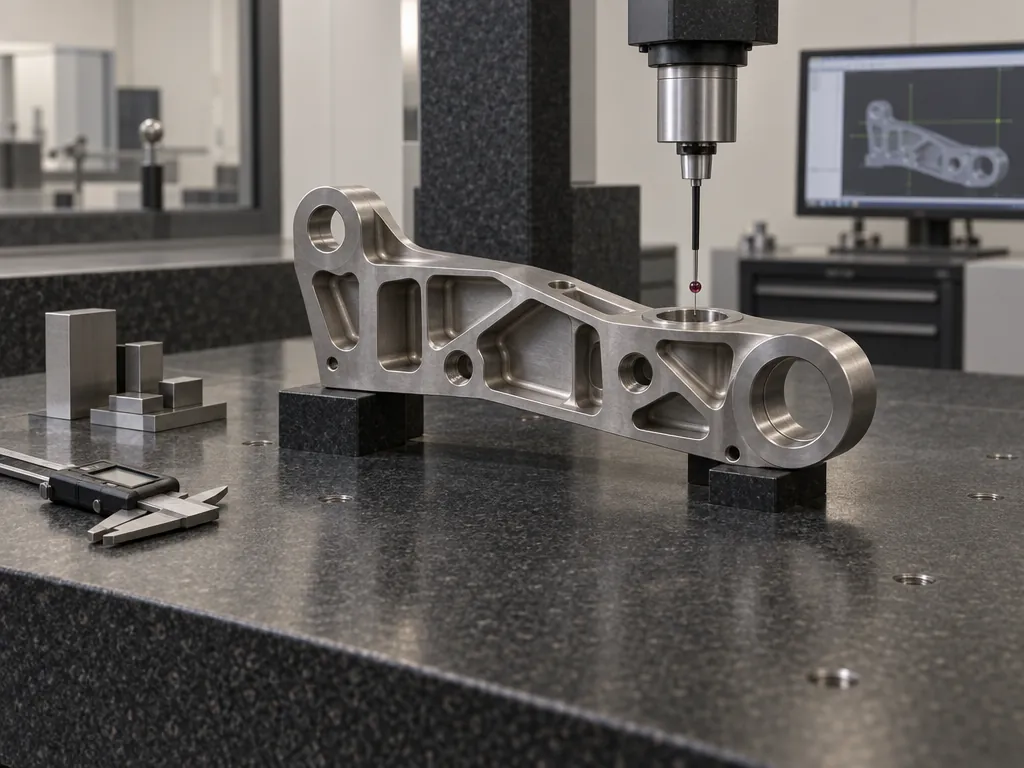
Tight-tolerance work to drawing, with anodising sent out on a purchase order linked to the works order it's for.
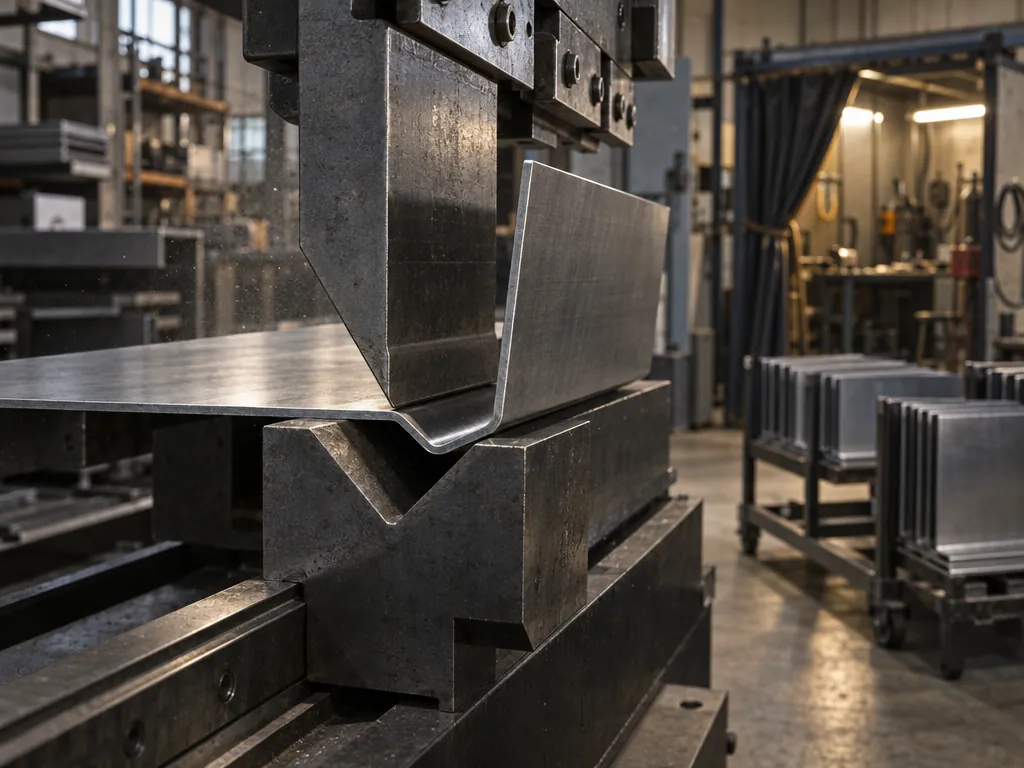
Prismatic parts over one or more setups. Each setup is costed once, then the time per part, at the hourly rate of the machine doing it.
Turned parts in batches, often repeat call-offs. A repeat part is re-quoted by finding its last costing by UPR and updating the prices.
Holes and bores to the customer's drawing, which travels with the job and opens on the shop floor tablet at the machine.
Hardened and ground parts, with the material certificate attached to the batch the bar came in and the heat treatment bought in.
One-off tools quoted as a project on a budget figure, detail added as the design firms up, then delivered and invoiced in stages.
Wire and spark erosion set up as resources of their own, each with its own hourly rate and working hours.
Four places a machine shop job usually slips, each answered by the part of Statii that handles it. Shown with machining data.
Each operation goes on the costing against the machine that does it, with a setup time and a time per part at that machine's hourly cost. Statii spreads the setup across the quantity. Plating and heat treatment go on as bought-in costs from the supplier.
Time booked against each operation posts back to the job as it's worked. On the works order, actual time and cost turn red once they pass the plan; on the sales order, Estimated, Planned and Actual margin sit side by side, so a price that was too low shows before the next repeat order is quoted.
A subcontract step is a bought-in cost on the quote. When the customer's order is acknowledged, it becomes a purchase order, prefilled and linked to the works order and sales order, ready to check and send
Each machine is a resource with its own working hours, and holidays can be blocked off. Autoplan works back from the date the customer needs the job and fits each operation around what's already booked on that machine. An operation expected after the required date shows red.
“We decided that it was time to take the plunge. We were up to 13 staff from five last year.”
"A comprehensive MRP system that enabled us to move away from relying on multiple Excel spreadsheet."
"Value for money is superb, sees the job all they way through from quoting to invoicing all linked together."
"Implementing Statii in our business has been very straight forward & the support from the Statii team has been great every step of the journey"
Machined parts often ship with a material cert, an inspection report and a CofC. Statii keeps each one attached to the record it belongs to.
Attach the bar's certificate to the batch it came with. A works order can't go ahead until its batch is allocated, and any batch traces to the job and customer it went to.
Attach inspection reports, setup sheets and the customer's drawing to the works order. Any document type, opened from the shop floor tablet.
Print or email a Certificate of Conformity from the delivery note, carrying its CofC notes.
Operators record parts rejected at an operation. Rework raised on an NCR adds its cost to the original sales order.
Customers are audited for ISO 9001 with Statii running. Statii keeps the records; your quality system does the certifying.
A machining job runs through all six steps. Each one takes what it needs from the last, so nothing is typed twice.
Every stage inherits from the last. Nothing is re-keyed between them.
Yes. Each machine is a resource with its own hourly cost and working hours, and holidays can be blocked off. Autoplan works back from the date the customer needs the job and fits its operations around work already booked on each machine; you can drag an operation earlier or later on the same machine. Statii doesn't choose the machine for you: it's set on the operation.
Yes, in one system. A quote's costing becomes the sales order, then a works order with the routing, purchase orders for bought-in bar and subcontract work, and the schedule for each machine. Delivery notes and invoices follow, and invoices sync with Xero, Sage or QuickBooks.
Yes. Every operation on the costing has a setup time and a time per part, at the hourly rate of the machine doing it. Statii spreads the setup across the quantity on the line, so a batch of 24 and a one-off price differently from the same routing.
No. Statii doesn't import CAM programs or toolpaths and doesn't send programs to machines (DNC). It holds the job: the costing, the routing and the documents. The drawing, setup sheets and inspection reports attach to the job, and operators open them on the shop floor tablet.
No. There's no tool life or wear tracking, and Statii doesn't connect to the machines, so it doesn't measure utilisation, OEE or downtime. What it records is the time operators book against each operation, their unproductive time, and the parts rejected at an operation.
Yes. Attach the certificate to the batch the bar came in. A works order can't go ahead until a batch is allocated to it, and any batch can be traced to the job and customer it went to.
Three minutes, no sales call. Or ring us on 0115 647 2022 and ask anything.
No card required · UK-based support included